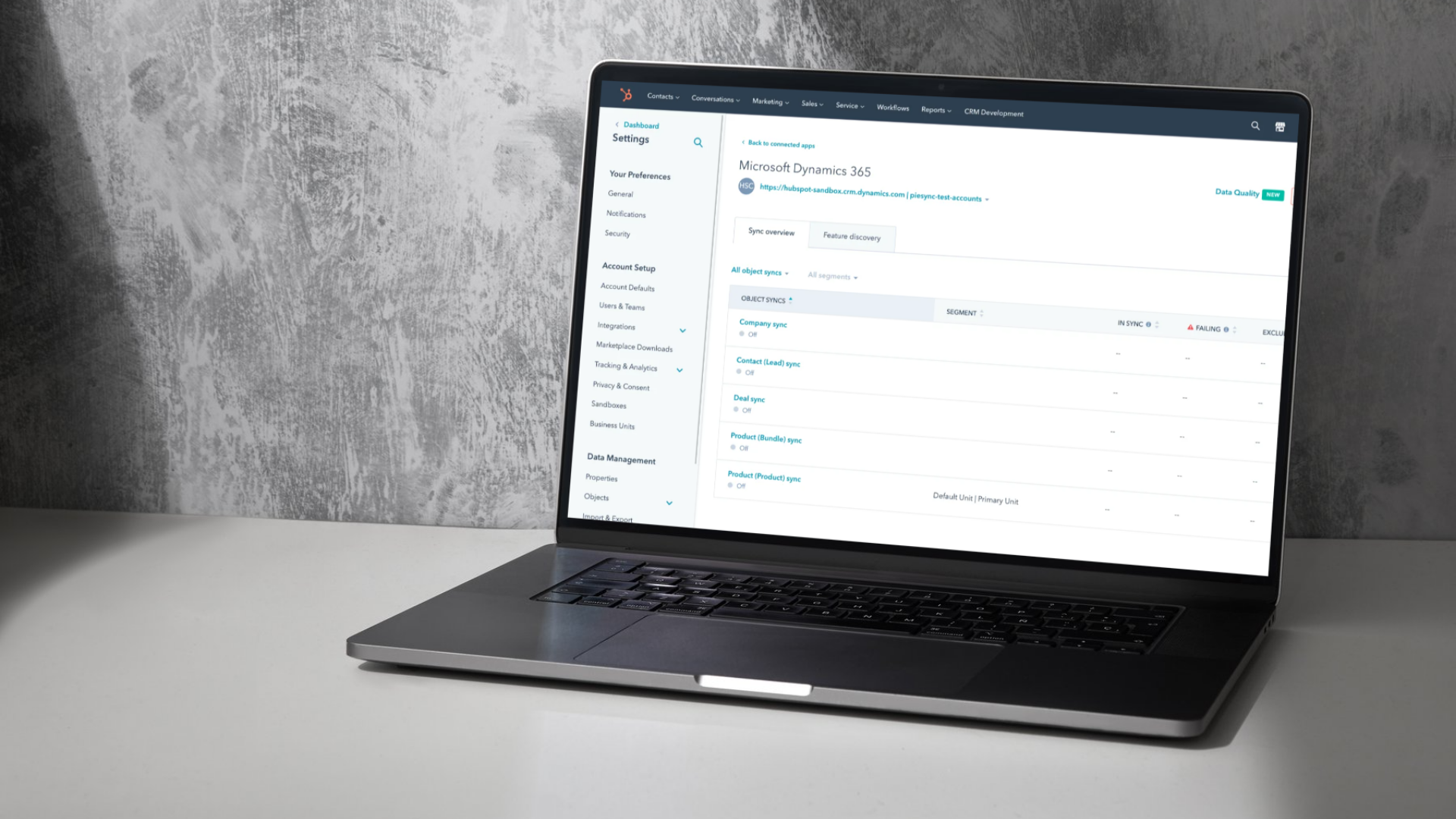
The difference between HubSpot Starter and HubSpot Pro


HubSpot Starter vs Professional : Quelle version propulsera votre croissance
Naviguer dans le monde numérique sans HubSpot, c’est un peu comme entreprendre une expédition sans boussole. On peut avancer, certes, mais difficilement dans la bonne direction. HubSpot, au contraire, offre un écosystème complet où chaque interaction, donnée et outil s’alignent pour optimiser la croissance.
Mais face à la variété des licences offertes, une question revient souvent : faut-il opter pour HubSpot Starter ou investir dans HubSpot Professional ? La réponse ne repose pas uniquement sur le budget, mais bien sur votre stratégie, votre volume d’activité et vos ambitions de croissance.
Comprendre le modèle de HubSpot
HubSpot est avant tout une plateforme CRM complète. Au cœur du système se trouve un noyau gratuit, qui permet à toute organisation de centraliser ses contacts, ses entreprises, ses transactions et ses tickets de service. Cette base unique offre une vision 360° du parcours client et aligne toutes les équipes autour des mêmes données.
À partir de ce socle, les entreprises peuvent ajouter différents modules, appelés Hubs, selon leurs besoins :
- Le Marketing Hub pour attirer et convertir les visiteurs,
- Le Sales Hub pour gérer les ventes et automatiser la prospection,
- Le Service Hub pour centraliser le support client,
- Le Content Hub pour créer et héberger le site web,
- Le Data Hub pour synchroniser et nettoyer les données,
- Le Commerce Hub pour gérer les paiements et la facturation.
Chaque Hub est disponible en trois niveaux de licence : Starter, Professional et Enterprise. Le niveau choisi détermine la profondeur fonctionnelle, la capacité d’automatisation et la richesse des analyses disponibles.
HubSpot Starter : la simplicité et l’efficacité
La version Starter constitue une excellente porte d’entrée dans l’univers HubSpot. Elle comprend les fonctionnalités essentielles pour structurer vos opérations marketing, ventes ou service client.
Avec HubSpot Starter, vous pouvez gérer vos contacts, suivre vos transactions, concevoir des campagnes d’email marketing, créer des formulaires de capture de leads et mesurer les performances à travers des rapports simples. C’est la solution idéale pour les petites entreprises, les startups et les équipes qui souhaitent centraliser leurs données sans complexifier leurs processus.
Côté tarification, HubSpot Marketing Hub Starter débute à environ 65 $ CA par mois (ou 58 $ CA/mois en paiement annuel, soit 695 $ CA/an). Cette licence inclut 1 000 contacts marketing, avec la possibilité d’ajouter des blocs de 1 000 contacts supplémentaires pour environ 58 $ CA par mois.
HubSpot Starter agit comme un socle fiable : accessible, intuitif et rapide à déployer. Il pose les fondations d’un CRM bien structuré et d’une communication unifiée.
HubSpot Professional : la puissance de l’automatisation
La version Professional marque une évolution significative. Elle ne se contente pas de gérer vos campagnes : elle les automatise, les personnalise et les mesure en continu.
HubSpot Professional introduit les workflows, un outil d’automatisation central permettant de déclencher des actions selon des règles précises. Vous pouvez par exemple créer automatiquement des tâches internes, envoyer des communications ciblées, assigner des leads intelligemment ou mettre en place des campagnes de nurturing basées sur le comportement des utilisateurs.
Les fonctionnalités avancées incluent aussi :
- Des tests A/B pour optimiser les campagnes,
- Des outils SEO pour renforcer le positionnement organique,
- Une segmentation approfondie des contacts,
- Et des rapports personnalisés offrant une lecture fine du retour sur investissement.
Cette version s’adresse aux entreprises en forte croissance, qui veulent automatiser leurs processus, coordonner leurs équipes et exploiter la donnée comme levier stratégique.
Comparaison des fonctionnalités clés
La différence entre HubSpot Starter et HubSpot Professionnel ne se limite pas à la quantité d’outils offerts : elle reflète deux philosophies d’utilisation bien distinctes.
La version Starter offre une base solide pour se familiariser avec l’écosystème HubSpot. On y retrouve les fonctions essentielles : création de courriels à partir de modèles simples, planification d’envois, formulaires de capture de leads standards et tableaux de bord de performance généraux. C’est une excellente porte d’entrée pour structurer vos premiers processus et centraliser vos données sans complexifier vos opérations.
De son côté, la version Professionnelle élève l’expérience à un autre niveau. Elle permet d’automatiser vos campagnes marketing, de réaliser des tests A/B, de personnaliser le contenu selon le profil de chaque contact et de concevoir des rapports avancés entièrement personnalisables. Les formulaires deviennent intelligents, les flux de travail se synchronisent entre marketing et ventes, et l’analyse de données devient un véritable levier stratégique.
Autrement dit, HubSpot Starter vous aide à démarrer du bon pied, mais HubSpot Professionnel vous donne les moyens d’accélérer sans vous créer de limites à court terme. Il est souvent préférable de définir dès le départ vos objectifs de croissance et d’opter pour la version qui soutiendra cette vision, plutôt que de devoir migrer plus tard et perdre du temps (et de l’élan) en cours de route. Comment planifier une démo HubSpot?
Sales Hub Starter ou Sales Hub Pro : quelle version choisir pour les ventes?
Chez Lakhos, une question revient souvent lorsqu’une entreprise évalue HubSpot : pour une équipe des ventes, est-il préférable de commencer avec Sales Hub Starter ou d’investir directement dans Sales Hub Professional?
La réponse rapide : Sales Hub Pro.
Pourquoi? Parce que cette version permet d’avoir un véritable espace de travail performant pour la gestion des ventes, des leads, des opportunités et des tâches. Là où Sales Hub Starter permet de centraliser les informations de base, Sales Hub Pro permet d’aller plus loin dans la structuration, le suivi et l’optimisation des processus de vente.
Sales Hub Pro permet également de créer des rapports analytiques personnalisés adaptés à vos objets, propriétés, pipelines et indicateurs de performance. Cette capacité devient essentielle lorsqu’une entreprise souhaite mieux comprendre son cycle de vente, suivre la performance de ses représentants et prendre de meilleures décisions à partir de données concrètes.
Finalement, la version Pro permet d’automatiser des workflows simples, mais extrêmement efficaces. Par exemple, il devient possible de créer automatiquement des tâches de suivi, d’assigner des leads, de déclencher des rappels internes ou d’assurer une meilleure continuité entre les équipes marketing et ventes.
En résumé : moins de limitations, moins de bâtons dans les roues et beaucoup plus de puissance.
Si la question est principalement budgétaire, il est préférable d’en discuter afin d’évaluer le retour sur investissement à long terme et de déterminer si Sales Hub Pro peut réellement soutenir la croissance de votre équipe des ventes.
Tarification : combien ça coûte pour commencer avec HubSpot?
Côté tarification, on se fait souvent poser la question : combien ça coûte pour commencer avec HubSpot? Il est possible de démarrer avec certains Hubs en version Starter et d’autres en version Pro. Le Marketing Hub fonctionne avec un prix de base, auquel s’ajoutent des incréments selon le nombre de contacts marketing. Le forfait Starter débute à 20 $/mois et inclut une licence essentielle assurant le bon fonctionnement des outils marketing.
Du côté des ventes, une licence Sales Hub Pro coûte 130 $/mois par utilisateur. Il est aussi possible d’ajouter des utilisateurs avec des fonctionnalités de base, et non de vente avancée. HubSpot appelle ce type de licence Core Seat, et lorsqu’une licence Pro est activée, le Core Seat revient à 59 $/mois par utilisateur.
Consultez le configurateur de tarification HubSpot pour estimer le coût selon vos besoins.
Quand passer de Starter à Professional
La transition vers HubSpot Professional s’impose lorsque vos objectifs dépassent les capacités de base de Starter. Si votre volume de contacts augmente, si vos processus deviennent trop complexes pour être gérés manuellement ou si vous cherchez à offrir une expérience client plus personnalisée, c’est le bon moment pour franchir le pas.
Le passage à Professional n’est pas seulement un changement d’abonnement, mais une véritable montée en puissance. Il vous permet d’automatiser, de segmenter, d’analyser et de collaborer à un niveau supérieur, tout en maximisant le retour sur investissement de votre stratégie HubSpot.
Le verdict
En résumé, HubSpot Starter est conçu pour poser les fondations d’une stratégie marketing et CRM solide, tandis que HubSpot Professional offre la sophistication nécessaire pour accélérer la croissance grâce à l’automatisation et à la personnalisation.
Starter organise et structure votre base. Professional orchestre et optimise l’ensemble de vos opérations.
Pour une jeune entreprise, Starter représente une solution accessible et complète. Pour une organisation en expansion ou souhaitant une stratégie data-driven, Professional devient rapidement indispensable.
Avec un bon accompagnement, comme celui du Groupe Lakhos, partenaire certifié HubSpot, cette transition se transforme en un véritable levier de performance, capable de propulser votre marque vers une efficacité et une cohérence totale.
Explorer les différents Hubs de HubSpot
Pour bien choisir entre Starter et Professional, il est aussi important de comprendre le rôle de chaque Hub dans l’écosystème HubSpot. Chaque module répond à des besoins précis et peut être combiné selon la réalité de votre entreprise.
Le Marketing Hub aide les équipes à attirer, convertir et nourrir les prospects grâce aux campagnes marketing, aux formulaires, à l’email marketing, à la segmentation et à l’automatisation.
Le Sales Hub permet de mieux structurer le processus de vente, de suivre les opportunités, d’automatiser les tâches commerciales et d’améliorer la visibilité sur le pipeline.
Le Service Hub centralise les demandes clients, améliore le suivi du support et permet d’offrir une expérience client plus cohérente après la vente.
Le Content Hub facilite la création, la gestion et l’optimisation du contenu, notamment pour les sites web, les pages d’atterrissage et les expériences personnalisées.
Le Data Hub aide les entreprises à synchroniser, nettoyer et structurer leurs données afin d’obtenir un CRM plus fiable et plus exploitable.
Frequently Asked Questions (FAQ)
Quelle est la principale différence entre HubSpot Starter et HubSpot Professional ?
La version Starter de HubSpot regroupe les fonctionnalités de base pour gérer vos contacts, vos ventes et vos campagnes marketing sans complexité. Elle convient parfaitement pour structurer vos premiers processus et centraliser vos données. La version Professional, quant à elle, ajoute une couche d’automatisation, d’analyse et de personnalisation. Elle s’adresse aux entreprises qui veulent aller plus loin en orchestrant leurs campagnes et leurs processus à grande échelle.
HubSpot Starter suffit-il pour une petite entreprise ?
Oui, HubSpot Starter est un excellent point de départ. Il permet de mettre en place les fondations d’un CRM solide et de commencer à mieux comprendre vos clients. Toutefois, si vos ambitions de croissance sont claires et que vous prévoyez une montée en volume rapide, il peut être plus judicieux de choisir HubSpot Professional dès le départ, afin d’éviter de devoir migrer vos données et vos processus plus tard.
Quelle version de HubSpot est la plus adaptée à mon équipe des ventes ?
Pour une Équipe des ventes qui démarre ou qui veut centraliser ses suivis, Starter est amplement suffisant. Mais si votre équipe doit gérer plusieurs pipelines, automatiser l’attribution des leads, ou obtenir des rapports détaillés sur la performance de chaque représentant, Professional vous offrira un meilleur contrôle et une vision beaucoup plus stratégique.
Est-il possible de combiner différentes versions (Starter et Professional) selon les Hubs ?
Oui. HubSpot permet de combiner différents niveaux de licences selon vos besoins. Par exemple, vous pouvez utiliser Marketing Hub Professional pour vos campagnes, tout en gardant Sales Hub Starter pour votre équipe des ventes. C’est une approche flexible qui permet d’optimiser vos coûts tout en accédant aux fonctionnalités qui comptent vraiment pour votre croissance.
Pourquoi être accompagné par un partenaire HubSpot comme Lakhos ?
Un partenaire HubSpot certifié, comme Lakhos, vous aide à choisir la version qui correspond réellement à vos objectifs, à configurer la plateforme efficacement et à maximiser le retour sur investissement de votre CRM. Notre rôle : vous éviter les faux départs, structurer vos processus et vous accompagner dans la montée en puissance de votre écosystème HubSpot.