HubSpot UI extensions: customizing your CRM


HubSpot UI extensions: customizing your CRM
We are often asked how customizing a CRM can be. It's normal, we all want a tool that really sticks to our processes without having to feel like we have to twist to enter a rigid framework.
But the pitfall is well known. Tailor-made, over-development over development until you end up with a CRM that is so personalized that it becomes difficult to maintain, expensive to develop and fragile at the slightest change. Today this is no longer necessary, modern HubSpot CRMs in particular offer advanced customization possibilities without switching to a full custom environment coded from A to Z.
That's exactly where HubSpot UI Extensions come in.
What are UI Extensions in HubSpot?
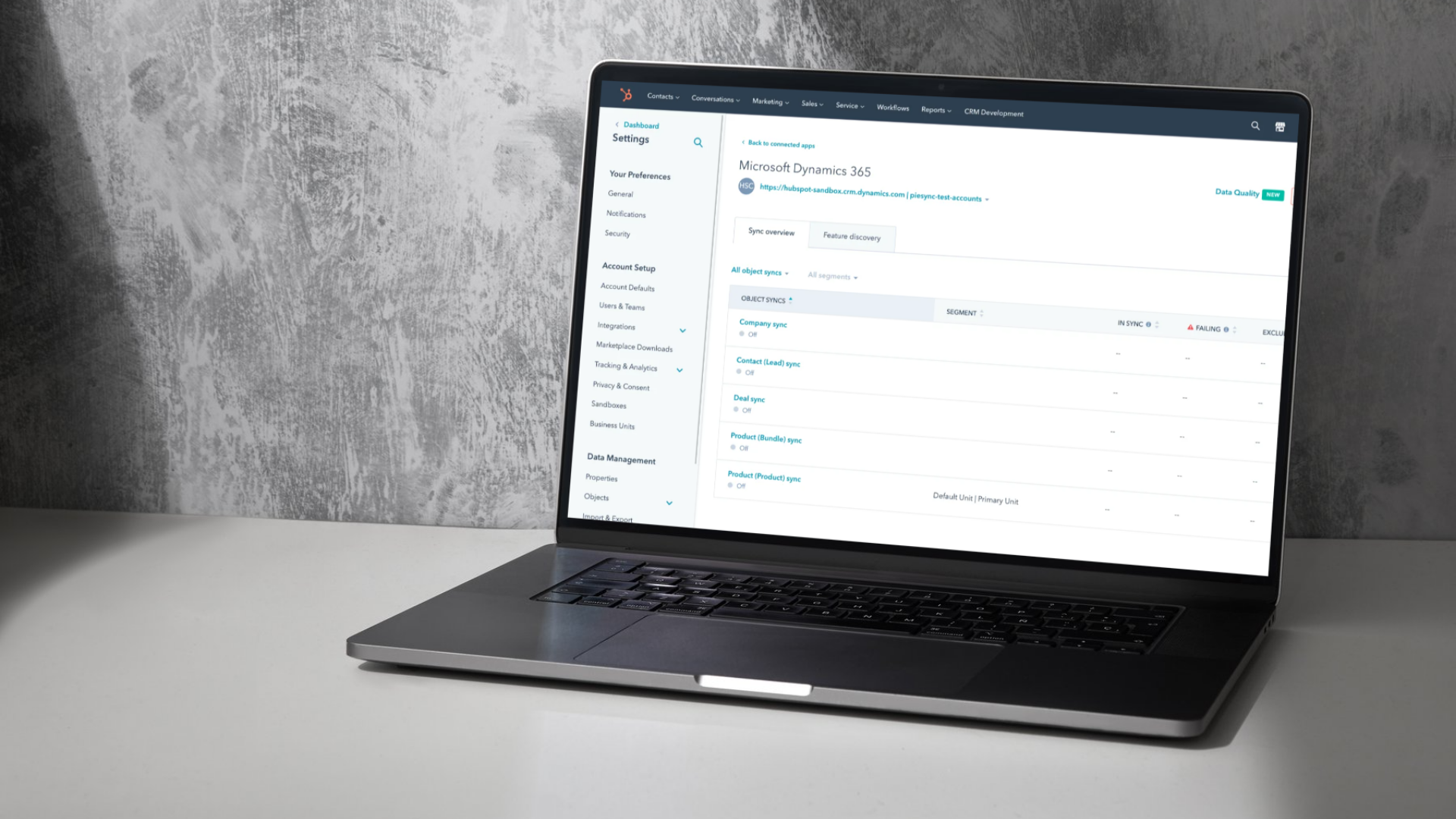
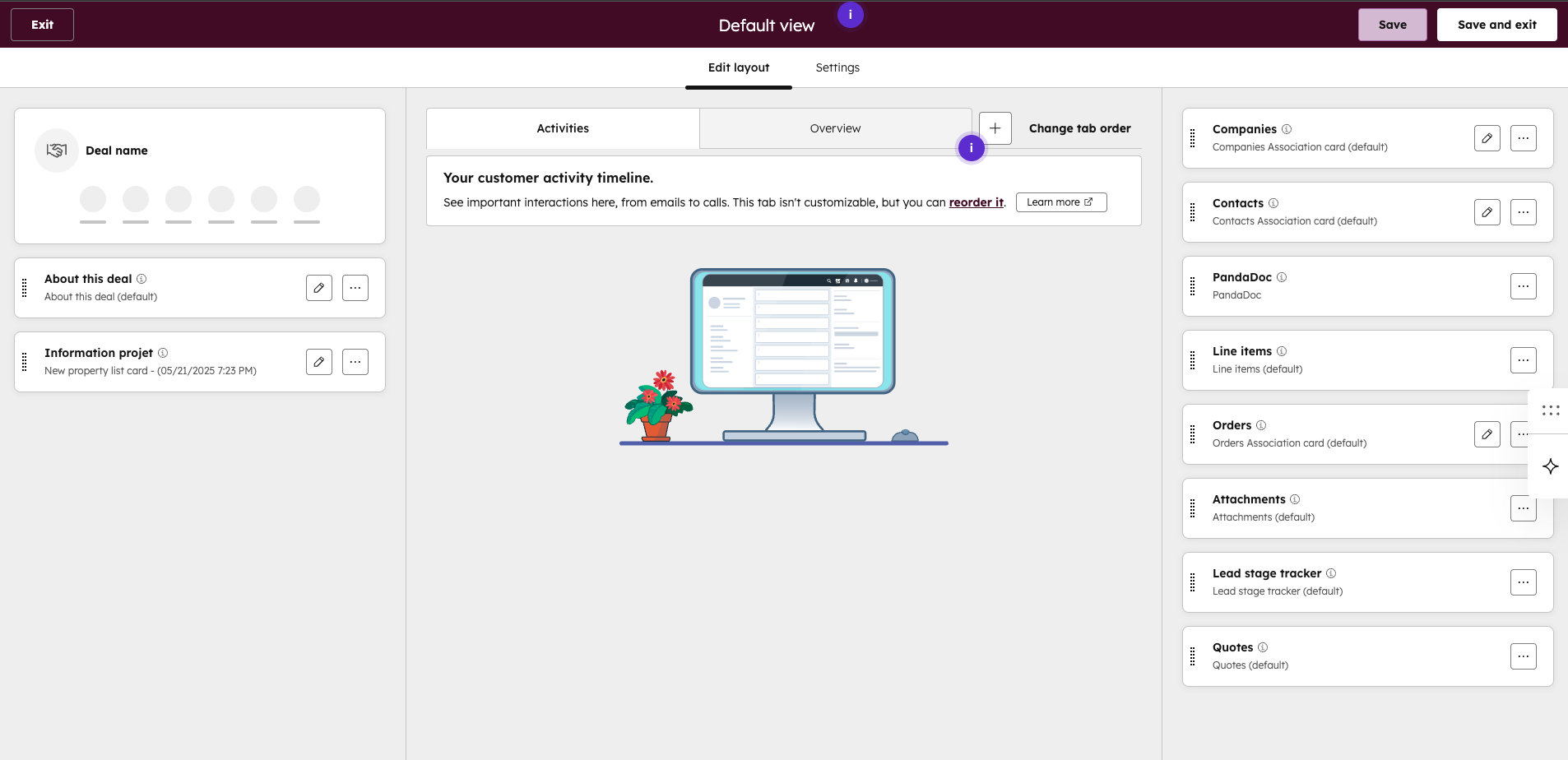
UI Extensions allow you to directly add interface blocks to HubSpot (contacts, companies, companies, transactions, tickets, or custom objects) files that display data from an external system (ERP, logistics platform, internal database), custom visualizations, or even small, custom-built business applications.
Your teams access critical information where they already work without changing applications and without wasting time. It also makes it possible to avoid copying and pasting parallel spreadsheets or DIY systems to fill in the gaps. It all comes together in HubSpot CRM that's well-integrated, clean, and scalable.
Why is this an advantage over a more traditional CRM?
HubSpot keeps a solid structure in the background, which prevents your CRM from becoming a battlefield. In many older CRMs the customization options are limited. We remain stuck in a predefined framework that is often rigid, where the specific needs of the company must conform to the system.
HubSpot does the opposite. It offers a flexible interface where you can adapt the display according to the business context while maintaining a reliable, standardized architecture that is easy to maintain in the long term. In other words, it offers intelligent personalization without creating a technological Frankenstein.
Here are the bulk of the benefits
Combines internal and external data in the same place
Your CRM becomes the central dashboard of your technology ecosystem.
Presents information in the right context
Decisions are faster, better informed, and better aligned with your sales processes.
Help your teams identify patterns and insights
You avoid navigating between ten different systems to understand a situation.
Integrated business logic
UI Extensions allow complex business rules, calculations, or interactive mini-processes to be integrated directly into HubSpot. You can therefore automate key steps, guide your users through a specific process, and centralize operations that would otherwise require another application. Indeed, multi-stage workflows can run without leaving HubSpot, which greatly reduces friction.
Concrete example: tracking an order after a closed transaction won
Let us take a simple and frequent case. A transaction goes to Closed won and this, in several organizations, this is when the real work starts: order preparation, production, logistics, delivery, installation and more.
With a UI Extension, it is possible to display an Order Status or ERP Management module directly in the account or transaction card to follow the various steps. For example, in preparation, in transit, delivered and then completed. Synchronizing these statuses with an ERP or other internal system can also offer a geographic map displaying the customer's address or the location of the order.
Your teams no longer need to multiply tabs or rummage through a complex ERP. Everything you need to know is available in HubSpot CRM.
How can Lakhos help you?
At Lakhos, we support companies in the creation of UI extensions adapted to their needs, the integration between HubSpot CRM and their ERP, the mapping and optimization of their RevOps processes, the implementation of efficient lead to cash workflows, the customization of their HubSpot interface, the customization of their HubSpot interface without falling into the trap of uncontrollable customization.
You want a simple, effective CRM that's well-integrated and truly aligned with the way you work. We can help you build a HubSpot instance that generates real gains.
A CRM should simplify your life not complicate it, Groupe Lakhos helps you build a powerful HubSpot instance integrated into your systems and adapted to your business reality.
Frequently Asked Questions (FAQ)
What is a UI Extension in HubSpot?
UI Extensions allow you to add custom modules directly into HubSpot forms, contacts, companies, transactions, tickets, or custom objects. It can display external data, visualizations, or even mini applications related to your business processes.
Why use UI Extensions rather than developing a custom CRM?
Because we avoid the trap of infinite development. HubSpot already offers a modern structure that is flexible and scalable. UI Extensions allow you to customize the interface without falling into a 100% custom environment that becomes expensive and difficult to maintain.
Can I connect my ERP or my internal systems?
Yes UI Extensions allow you to display data from an ERP, a logistics system or any other platform. Your teams see critical information in one place in HubSpot CRM without having to juggle multiple tools.