Mastering HubSpot's Data Hub: harmonize, automate, and leverage your business data


Understanding HubSpot's Data Hub: centralize, unify, and drive your business data
Your data is everywhere. The main problem isn't always that it doesn't communicate, but rather the fragmentation of your technological ecosystem. Your CRM, ERP, Excel files, and marketing applications operate in silos. Each system performs well in its own domain, but they all work independently.
The on-the-ground result is often the same for many Quebec businesses:
- A sales team that isn't working with the same information as the production team.
- Performance reports that tell conflicting stories from one department to another.
- Precious hours lost by your managers validating and reconciling data lines instead of making strategic business decisions.
This critical challenge is precisely what the HubSpot Data Hub addresses, a major extension often described as a true development platform for growing businesses. As a HubSpot partner and expert in CRM implementation projects, the Lakhos team offers you an in-depth and technical look at this essential solution for structuring your RevOps.
What is HubSpot's Data Hub?
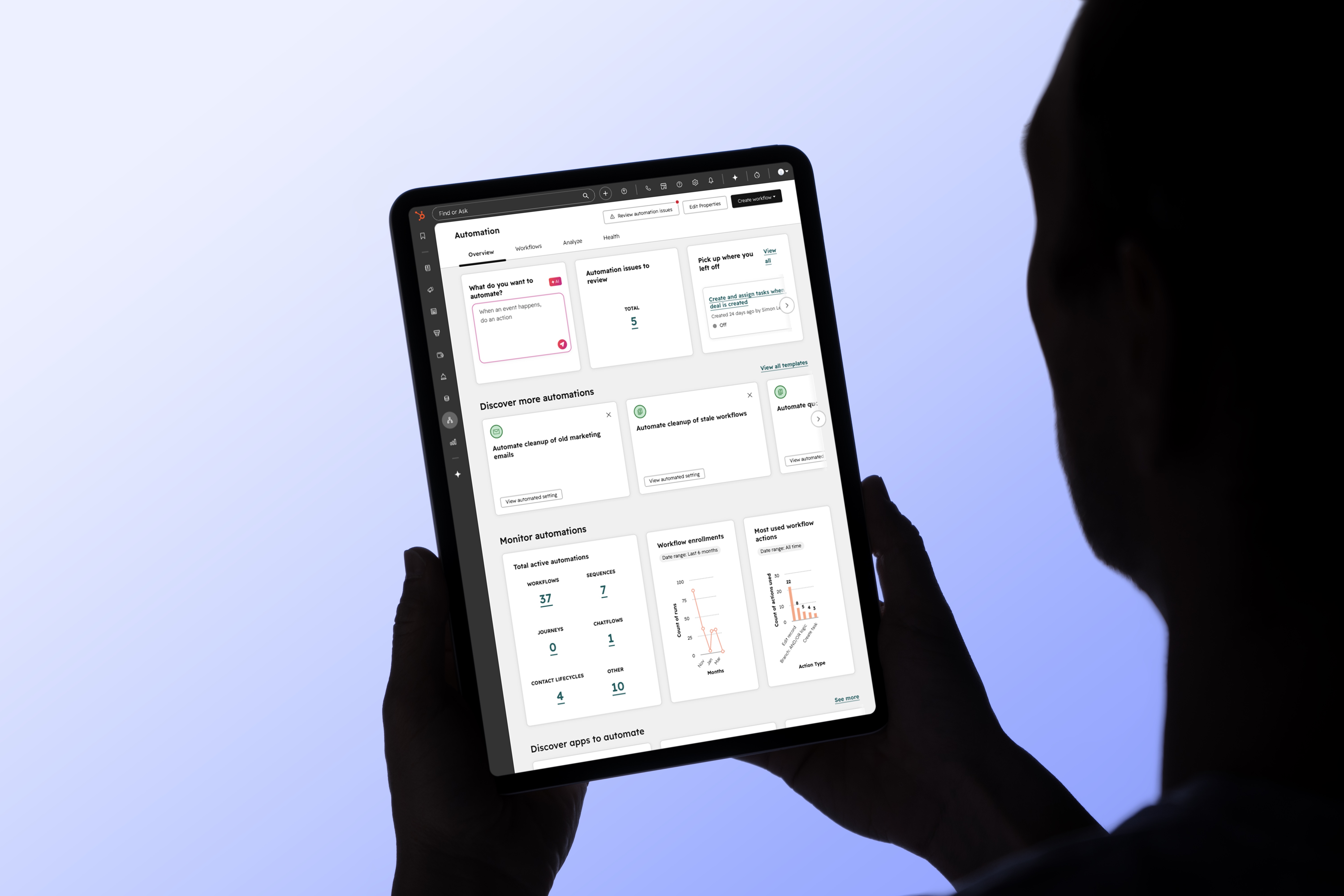
HubSpot's Data Hub is an advanced functional module specifically designed to orchestrate data management, build robust integrations, and deploy automations based on complex business logic. Unlike a simple storage tool, it acts as the central nervous system of your digital architecture.
If you want to code custom actions through Custom Code actions in a workflow, the Data Hub becomes mandatory. If you need to leverage Webhooks to send or receive real-time data through integrations with third-party platforms, this module proves to be your best ally. It's not about adding another tool to your tech stack, but rather about structuring and elevating your entire existing ecosystem.
The practical case: Breaking down silos between CRM, ERP, and Excel files
Let's take the representative case of a local manufacturing company. It uses a robust ERP to plan production and track inventory, HubSpot CRM to manage its sales pipeline, and numerous Google Sheets or Excel files for its internal logistics tracking.
Even though each software fulfills its role, the overall information remains scattered. Customer segmentation becomes a headache, and financial forecasts vary depending on the source consulted.
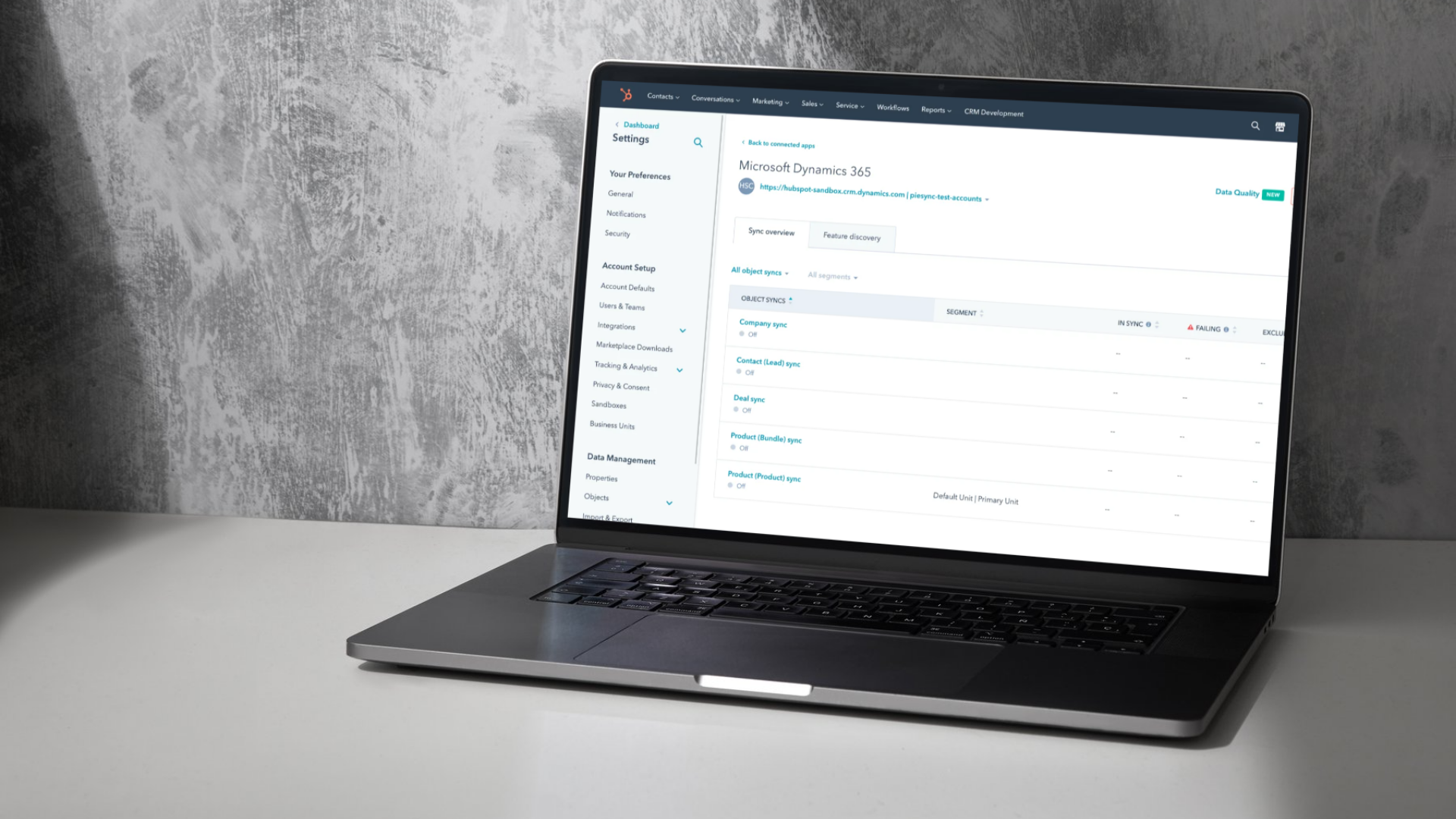
By deploying the Data Hub, these disparate systems seamlessly integrate through bidirectional CRM and ERP integrations. The company instantly gains a holistic view of its accounts: exact purchase history from the ERP, recent marketing interactions, and ongoing opportunities in the sales pipeline. This unified database radically transforms decision-making and allows the sales team and operations to align around a single, unified version of the truth.
Data Studio: The Power of AI for Data Unification
One of the major pillars of this module is the Data Studio (currently in beta). The effectiveness of artificial intelligence depends entirely on the quality of the data that feeds it. Data Studio allows you to combine and enrich customer data from across your entire organization to generate automations and analyses with surgical precision.
This feature transforms your fragmented databases into structured information using AI-powered datasets. Instead of getting lost in endless technical configurations, Data Studio simplifies the management of complex architectures. It can connect directly to your Excel files, Google Sheets spreadsheets, or large-scale data warehouses like Snowflake to perform fully automated synchronizations and updates.
Feature Analysis by HubSpot License Tier
To effectively plan your CRM implementation project and understand the tool's scope, it's helpful to segment key features by license tier.
Laying the Foundation with the Starter Plan
Ideal for businesses beginning their data cleansing process, the Starter tier lays a solid foundation:
- Data Synchronization: Allows you to link your business applications bidirectionally and natively.
- Custom Field Mappings: To ensure that each property in your ERP finds its exact match in HubSpot.
- AI-Powered Formatting Recommendations: The system automatically detects writing anomalies (e.g., missing capitalization or invalid phone number formats).
- Data Agent and Enrichment: HubSpot offers advanced features for enriching a contact or company information record to automatically fill in missing data about your sales targets.
Accelerating with the Professional (Pro) Plan
The Professional tier is for organizations that require strict governance and advanced analytical tools:
- Data Studio (Beta): To model your complex datasets and seamlessly connect your external sources.
- Data Quality Overview: A comprehensive dashboard to drive your CRM analysis and identify unused properties, integration errors, or broken data flows.
- Data Quality Automation: The system autonomously corrects input errors according to predefined business rules.
- Bulk Duplicate Management: Artificial intelligence efficiently identifies and merges duplicate contact or company records to preserve system integrity.
Corporate Power with the Enterprise Plan
For international or enterprise-level architectures, the Enterprise license offers absolute control:
- Data Warehouse Integrations : Natively connect HubSpot to your Snowflake, BigQuery, or AWS instances to power your Business Intelligence tools.
- Custom Objects: Allows you to model industry-specific business concepts (for example, maintenance contracts, machinery serial numbers, or specific subscriptions) directly linked to your customer records.
- Standard sandbox account: An essential isolated testing environment for your developers to test the Custom Codes and new integrations before deploying them to production.
An important note: AI Credit Management
When using artificial intelligence features within the HubSpot CRM ecosystem, it's important to keep in mind that these operations consume usage credits. Like any good modern AI-powered SaaS platform, consumption varies depending on the complexity and volume of data processed.
Optimal management of these resources is a key component of a sound RevOps strategy to maximize the return on investment of your development platform.
The Data Hub, a strategic long-term performance driver
Beyond mere technical restructuring, HubSpot's Data Hub is quickly becoming a major business driver. It allows your managers to build extremely granular customer segmentations, trigger relevant automated workflows, and ensure all teams share the same operational reality.
In mature organizations, this centralization serves as a solid foundation for advanced initiatives such as behavioral scoring (customer scoring) or mass personalization of the customer experience. With the support of Lakhos, your trusted HubSpot agency, data ceases to be a passive byproduct of your operations and becomes the true engine of your growth.
Another article specifically detailing how AI credits work will be published soon on our blog. In the meantime, if you wish to validate the compatibility of your current systems or plan your next data architecture, feel free to schedule a demo meeting with our integration experts.
Frequently Asked Questions (FAQ)
What is the Data Studio space in HubSpot?
The Data Studio is a tool integrated into HubSpot's Data Hub that uses artificial intelligence to unify data from disparate sources (such as Excel files, Google Sheets, or Snowflake). It allows for structuring complex datasets to make CRM analysis and automations much more powerful.
What is the difference between standard HubSpot CRM and the Data Hub?
HubSpot CRM primarily manages your customer relationships, interactions, and daily sales pipeline. The Data Hub, on the other hand, acts as a development and governance platform. It provides the technical tools needed to clean data in bulk, link external systems via Webhooks or custom code, and ensure the overall health of your database.
Can I connect my manufacturing ERP with HubSpot's Data Hub?
Yes, absolutely. CRM and ERP integrations are one of the Data Hub's major strengths. Thanks to advanced synchronization tools, custom objects in the Enterprise version, and field mapping management, you can link your ERP to HubSpot to provide your sales team with full visibility into purchase history and production statuses.