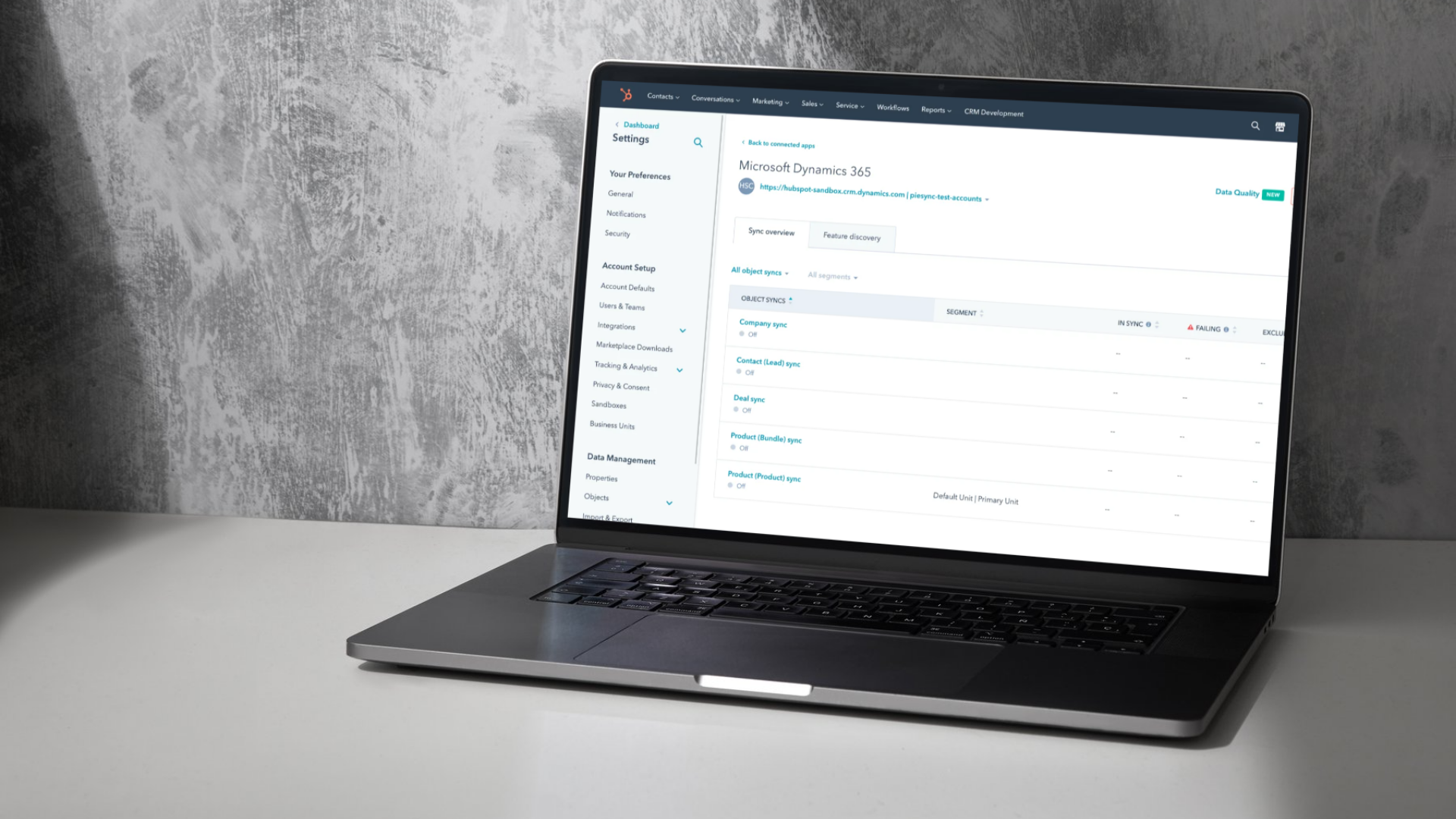
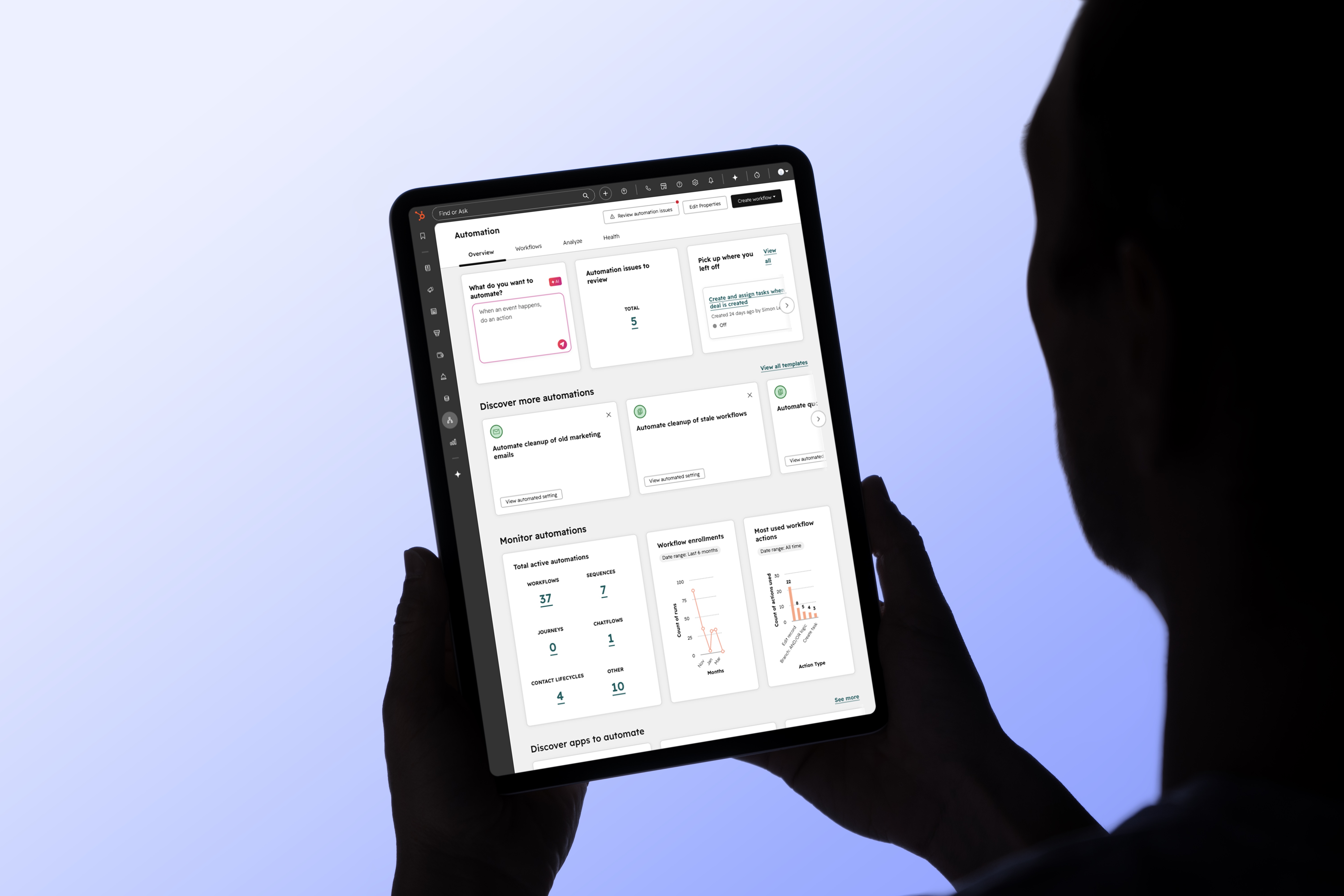
"Where is my order?": the Service Hub and ERP integration duo


CRM isn't just for sales: how CRM and ERP integration transforms customer service
When we talk about CRM and ERP integration, the conversation almost always starts in the same place: sales. Syncing orders, speeding up quotes, giving reps a complete view of the account. It’s the classic entry point, and it’s entirely justified.
But through our experience implementing CRM projects at Lakhos, we’ve noticed that one team is often overlooked, even though they have everything to gain from the same integration: customer service. Once the sale is closed, they are the ones managing the customer relationship on a daily basis. And that is exactly where a well-thought-out integration between HubSpot and your ERP can be a game changer.
A quick refresher: what are HubSpot and Service Hub?
HubSpot is an AI-powered CRM platform that brings marketing, sales, and customer service together on a single database. Instead of juggling disconnected tools, every team works from the same customer record, with the same history.
Within this platform, Service Hub is the module dedicated to customer service. At a high level, it allows you to centralize all incoming requests into an omnichannel helpdesk, turn them into tickets, route them to the right person, and automate some of the responses. It also includes a knowledge base, a customer portal, service level agreement (SLA) management, and satisfaction surveys. In other words, everything you need to structure after-sales support in the same place as the rest of your customer relationship.
If you want to better understand the role of Service Hub, I invite you to first read my article on how a CRM like HubSpot transforms customer service. Here, the goal is instead to explore what happens when you connect your ERP to it.
The question that comes up all the time: "Where is my order?"
Regardless of the industry, there is one question that constantly lands on the customer service desk: where is my order? Status, carrier, tracking number. It’s the most frequent request, and often the least interesting one for a representative to handle.
Without integration, answering it means opening the ERP, searching for the order, and sometimes double-checking with another team. Multiplied by the volume of tickets a service team receives each week, that represents a huge amount of time spent searching for information rather than helping the customer.
When orders are synced directly into the CRM, this problem almost entirely disappears. The information is already there, in the same place as the customer's history. The representative no longer has to juggle between two systems, and the customer gets their answer much faster.
How it translates into a real workflow
Here is the logic we implement for this type of mandate at Lakhos, starting from a simple contact form on the client's website.
The form includes a "request type" property with options like information request, order tracking, or billing. Each submission automatically creates a ticket in Service Hub. So far, nothing out of the ordinary. It’s what happens next that gets interesting, thanks to a workflow built with Data Hub Pro which queries order data synced directly from the ERP.
.png)
Three scenarios are then possible.
Did the customer include their order number in the form? The system retrieves the corresponding status and automatically sends a reply email, without a human ever touching the ticket.
Did they leave it out, but have multiple active orders under their name? The system sends them a list of their order numbers so they can specify which one they are referring to.
And if none of those apply, the ticket remains open and customer service takes over manually, just like before.
The goal isn't to remove humans from the process. It’s to have them intervene only where they truly add value.
The real-world results
On projects where this type of workflow is in place, the most immediate effect is on volume: a large portion of order tracking requests never reach a representative. The customer gets their answer in seconds, often outside of business hours, and the service team saves their energy for cases that actually require human judgment, such as claims, exceptions, or negotiations.
There is a second benefit, more subtle but just as real: no one needs to toggle between two systems to answer a simple question anymore. The CRM becomes the single source of truth for both the sales and service teams. It’s the same principle that makes a sales pipeline effective: reliable, up-to-date information in one place for everyone.
One integration, multiple winning teams
This is arguably the best argument for CRM and ERP integrations : they don't just make the sales process more efficient. They also tangibly change the day-to-day lives of the team managing the customer relationship after the sale is closed.
From a RevOps perspective, that is exactly the goal: aligning sales, marketing, and service around the same data so the customer enjoys a consistent experience from start to finish. And it is often by including customer service during the process mapping phase, at the very beginning of a CRM implementation project, that you unlock the full value of the integration rather than limiting it to sales.
At Lakhos, as a HubSpot agency and CRM integrator based in Montreal, that’s the mindset we try to bring to every project: designing integrations for the entire customer relationship, not just the part that happens before the deal is signed.
FAQ
Why integrate your ERP with your CRM for customer service?
Because the majority of support requests involve data that lives in the ERP, such as order status. The integration brings this information directly into the CRM, saving representatives from having to search in two systems.
What is HubSpot Service Hub?
It is the customer service module of the HubSpot platform. It centralizes requests in an omnichannel help desk, manages tickets and service levels, and allows for the automation of some responses using workflows.
Can order tracking requests be automated?
Yes. With a workflow built in HubSpot using Data Hub Pro, the system can query order data synchronized from the ERP and automatically respond to the customer, without human intervention, once the information is available.
Does automation replace the customer service team?
No. It handles repetitive, low-value requests, which frees up the team for cases that require human judgment, such as complaints or exceptions.